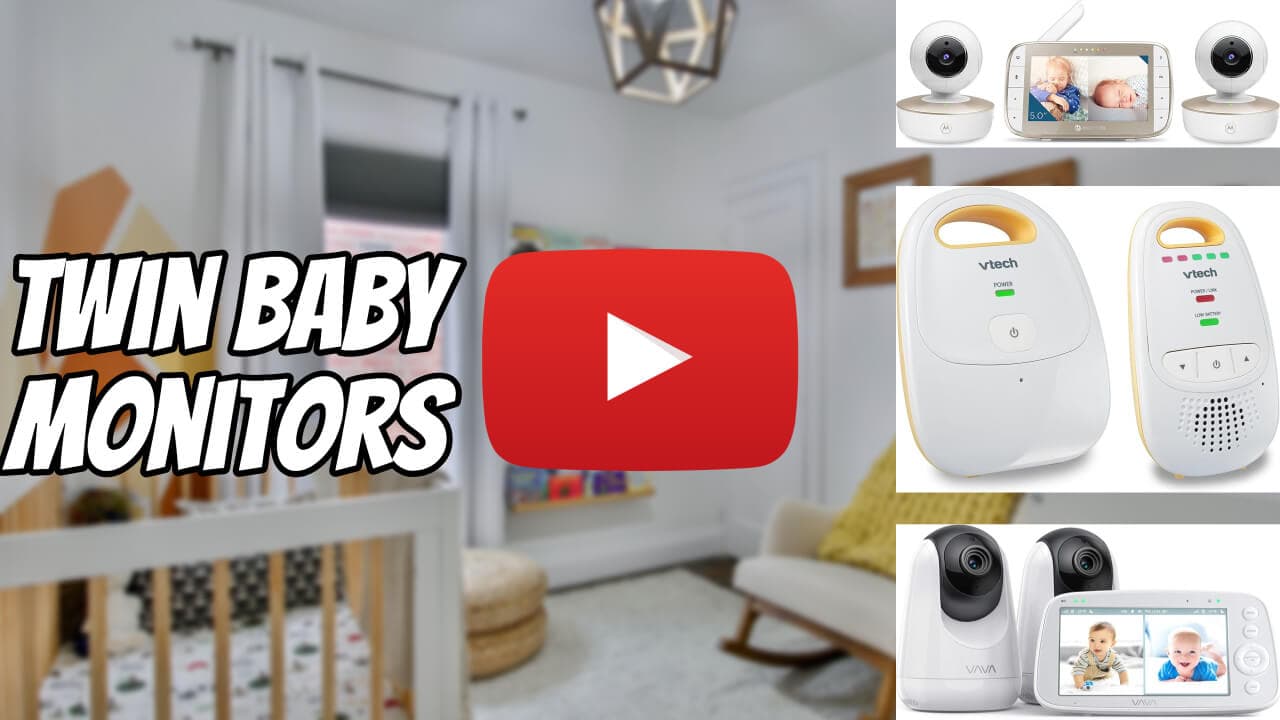
Best Twin Baby Monitors: One Camera or Two?
The monitor choice for twin parents is rarely about features. It's about whether you need one wide-angle camera or two paired cameras. We break down the four reasonable setups.
Most baby monitor reviews are written for parents of one baby. Twin parents have a different first decision: one camera covering both cribs, or two cameras paired? Get this right and the rest of the monitor decision is easy.
The four setups that actually work#
1. One wide-angle camera covering both cribs
A single camera mounted high enough to capture both cribs in one frame. Works when cribs are side-by-side or close enough.
- Pros: cheaper, simpler setup, single video feed at 3 AM.
- Cons: zoom-in detail is worse for each baby. Doesn't work for foot-to-foot or L-shape layouts.
- Best for: cribs side-by-side, parents who want simple.
2. One dual-camera bundle (sold as a pair)
A monitor system designed to pair two cameras out of the box. Two cribs, two cameras, one parent screen that toggles or shows both feeds.
- Pros: designed for the use case, often picture-in-picture or split view, simpler than DIY.
- Cons: limited brand selection, slightly more expensive than one camera.
- Best for: most twin parents. This is usually the right answer.
3. Two separate single-camera systems
Two unrelated monitors running in parallel. Two parent units to charge.
- Pros: redundancy if one fails, can pick the best single camera in each room.
- Cons: two parent units is annoying, two charging cables, no unified view.
- Best for: rare cases where babies sleep in different rooms.
4. Wifi-camera plus smartphone setup
Wifi cameras (Nanit, Owlet Cam, Eufy) viewable on the parent's phone. Often supports two paired cameras in one app.
- Pros: phone-native, often higher resolution, no separate parent unit.
- Cons: depends on home wifi being reliable. Requires a phone always nearby. Privacy and security depend on the brand.
- Best for: tech-comfortable parents in solid wifi homes.
Specific monitor picks (US, 2025–26)#
Dual-camera bundles (no wifi)
- Infant Optics DXR-8 Pro plus add-on camera: ~$220 base + ~$110 second. Solid no-wifi option, great battery life. Reliable.
- Vtech VM5463-2: ~$250. Pan/tilt/zoom on each camera. Lower resolution than wifi options.
- HelloBaby HB6550-2: ~$130. Budget pick, dual-camera bundle. Limited range, but very cheap.
Wifi systems that pair two cameras
- Nanit Pro (two cameras): ~$600 for the pair. Best image quality, sleep tracking, expensive.
- Eufy SpaceView Pro 2: ~$300 for two. Pan/tilt, no subscription. Good middle ground.
- Owlet Cam 2 (two units): ~$500 for the pair, plus their sock if you want sleep monitoring.
Avoid for twins
- Audio-only monitors. You need to see which baby is crying.
- Smart-only systems with subscription paywalls. The base feature shouldn't cost a monthly fee.
- Cameras requiring SD cards for any core function.
Features that actually matter for twins#
Split-screen or quick toggle
At 3 AM, you don't want to navigate menus to switch from Baby A to Baby B. Either both feeds visible at once, or a hardware toggle. If neither, it's the wrong system.
Audio detection per camera
Twin parents need to know which baby is crying without looking. The monitor should clearly indicate which camera triggered the audio alert.
Decent night vision
Twin newborns wake at 2 AM in the dark. The whole purpose of the monitor is night visibility. Test this before keeping it.
Battery life on the parent unit (non-wifi)
6+ hours minimum. The unit will live in your bedroom and not always near a charger.
Features that don't matter#
- "Cry detection AI". not reliable enough to act on, often false-positives.
- Lullaby playback. Your white noise machine handles this better.
- Temperature sensors. Fine to have, but never the deciding factor.
- Movement pads under the mattress. Discontinued from routine use by AAP-aligned guidance; check current SIDS-prevention recommendations.
Setup tips for two cribs#
- Mount cameras at least 3 feet from the crib for safety (cord risk) and the wide-angle view.
- Centered, ceiling-corner placement works for foot-to-foot layouts.
- Test camera angles in dim light, not in daylight.
- Label cameras "A" and "B" on the parent unit so you know which baby is which at 3 AM with one eye open.
The TL;DR#
For most twin parents, the right answer is one dual-camera bundle (Vtech or Infant Optics for non-wifi, Eufy or Nanit for wifi). One camera covering both cribs only works in side-by-side layouts and sacrifices per-baby detail. Two unrelated monitors creates juggling that nobody wants at 3 AM.
Pick a bundle, mount both cameras, label them, and move on. The monitor is rarely the bottleneck of twin parenting. Sleep is.
Related reading#
Mentioned in this guide
Featured picks
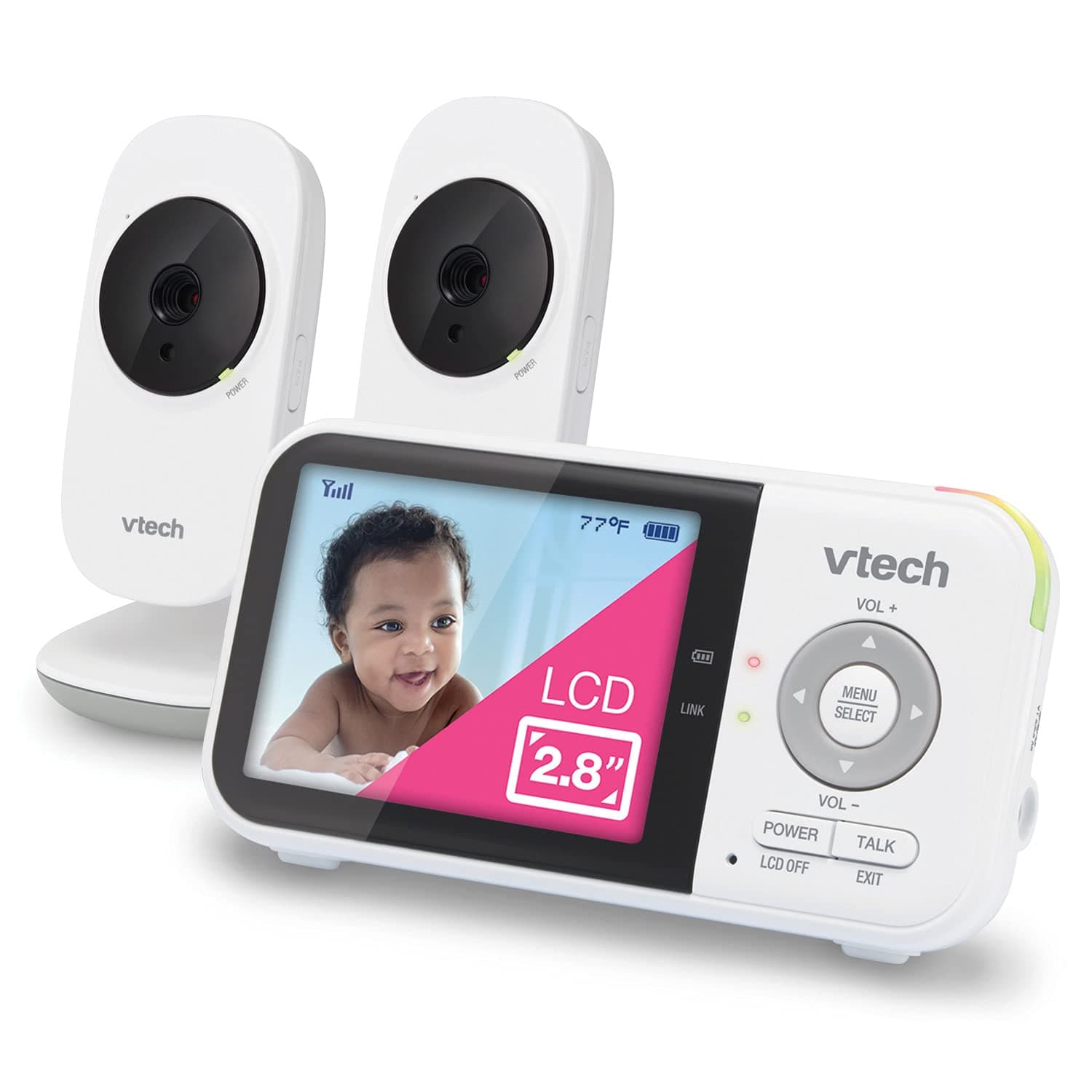
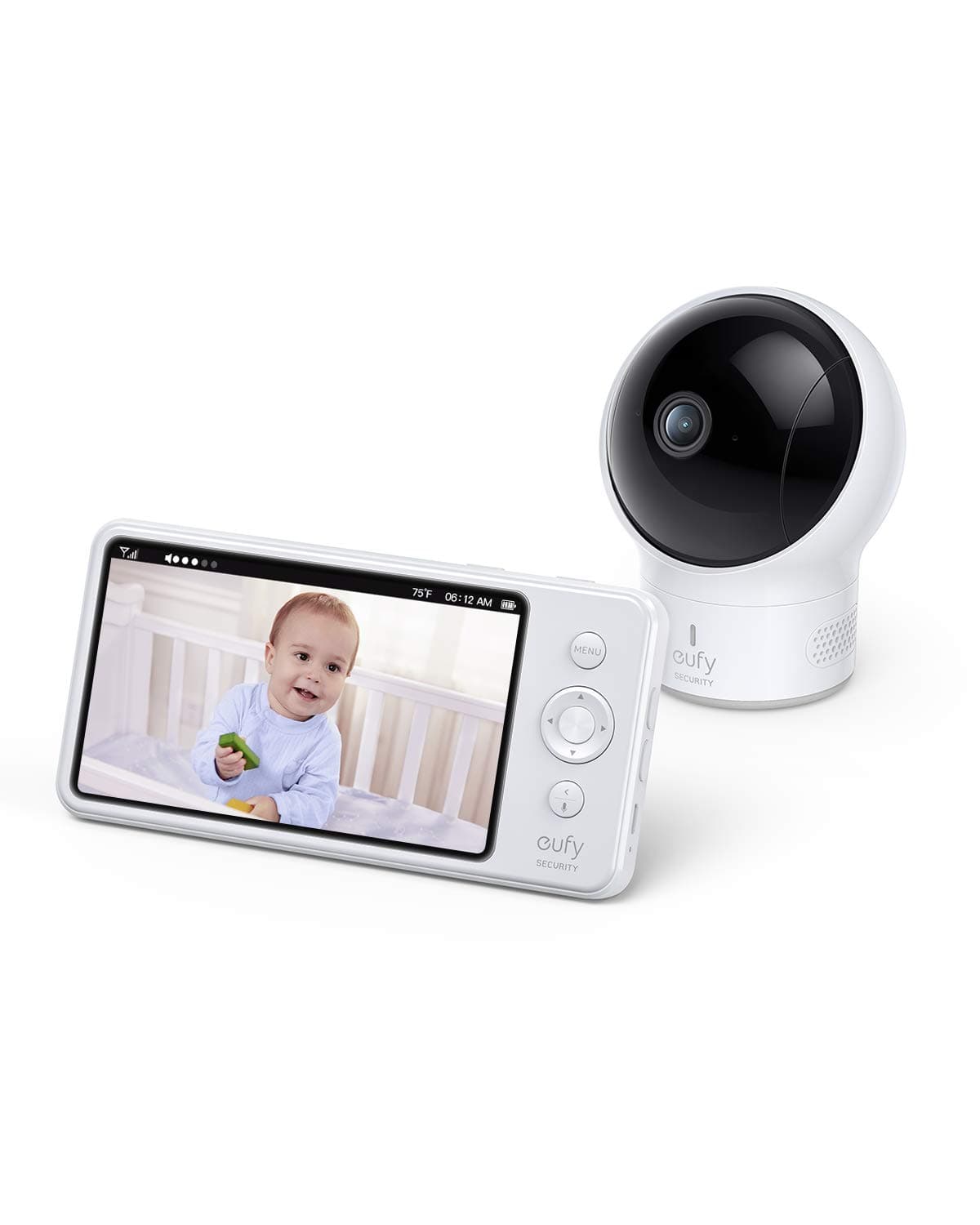
Some buy links earn us a small cut, at no extra cost to you. We still recommend skipping plenty of things, so it balances out.
FAQ
- Do twins need one baby monitor or two?
- One system with two paired cameras. That is the right answer for most twin parents: one parent screen with split view or a quick toggle, one camera per crib. A single wide-angle camera only works with side-by-side cribs, and two unrelated monitors means two parent units to juggle at 3am.
- What monitor features matter most for twins?
- Split-screen or a hardware toggle (no menu-diving at 3am), audio detection that tells you which camera heard the cry, decent night vision, and 6-plus hours of battery on the parent unit. What does not matter: cry-detection AI, lullaby playback, and temperature sensors as a deciding factor.
- Can one camera cover two cribs?
- Only if the cribs are side-by-side and close. It is cheaper and simpler, but per-baby zoom detail suffers, and it does not work for foot-to-foot or L-shaped layouts. If your cribs are not adjacent, go straight to a dual-camera bundle.
- How should you set up monitor cameras for two cribs?
- Mount each camera at least 3 feet from the crib (cord safety plus a wider view), use a centered ceiling-corner position for foot-to-foot layouts, test the angles in dim light rather than daylight, and label the cameras A and B on the parent unit so you know which baby is which with one eye open.
Keep reading
Related guides
Gear Guides
UPPAbaby Vista V2 vs Baby Jogger City Select 2 for Twins
Both are inline twin strollers that clear an apartment door. The Vista is nicer to push, fold, and resell. The City Select 2 gives twins two equal seats for less money.
Sep 12, 2026
Gear Guides
Best Twin Bassinets for a Shared Bedroom
Bedside bassinets, dual bassinets, and what fits when you and the babies share a room for the first six months.
Sep 12, 2026
Gear Guides
Bugaboo Donkey 5 Twin vs UPPAbaby Vista V2: Side-by-Side or Inline
The Donkey puts twins next to each other in equal seats at about 28 inches wide. The Vista stacks them at about 26 inches for far less money. Doorways and budget decide it.
Sep 11, 2026